SectionOverview
Documentation
A web hosting control panel for Debian/Ubuntu and the RHEL family: sites, PHP, databases, TLS, mail, backups, firewall and moving accounts between servers — from one static binary, with no runtime to install, no agents in other languages and no external services.
The panel installs as a single package, serves its own HTTPS port and does not depend on the system nginx: if a site's configuration breaks, the panel is still reachable and can fix it. The web UI, the CLI, the SSH menu and any integration all speak the same REST API — anything you can do with a mouse you can script.
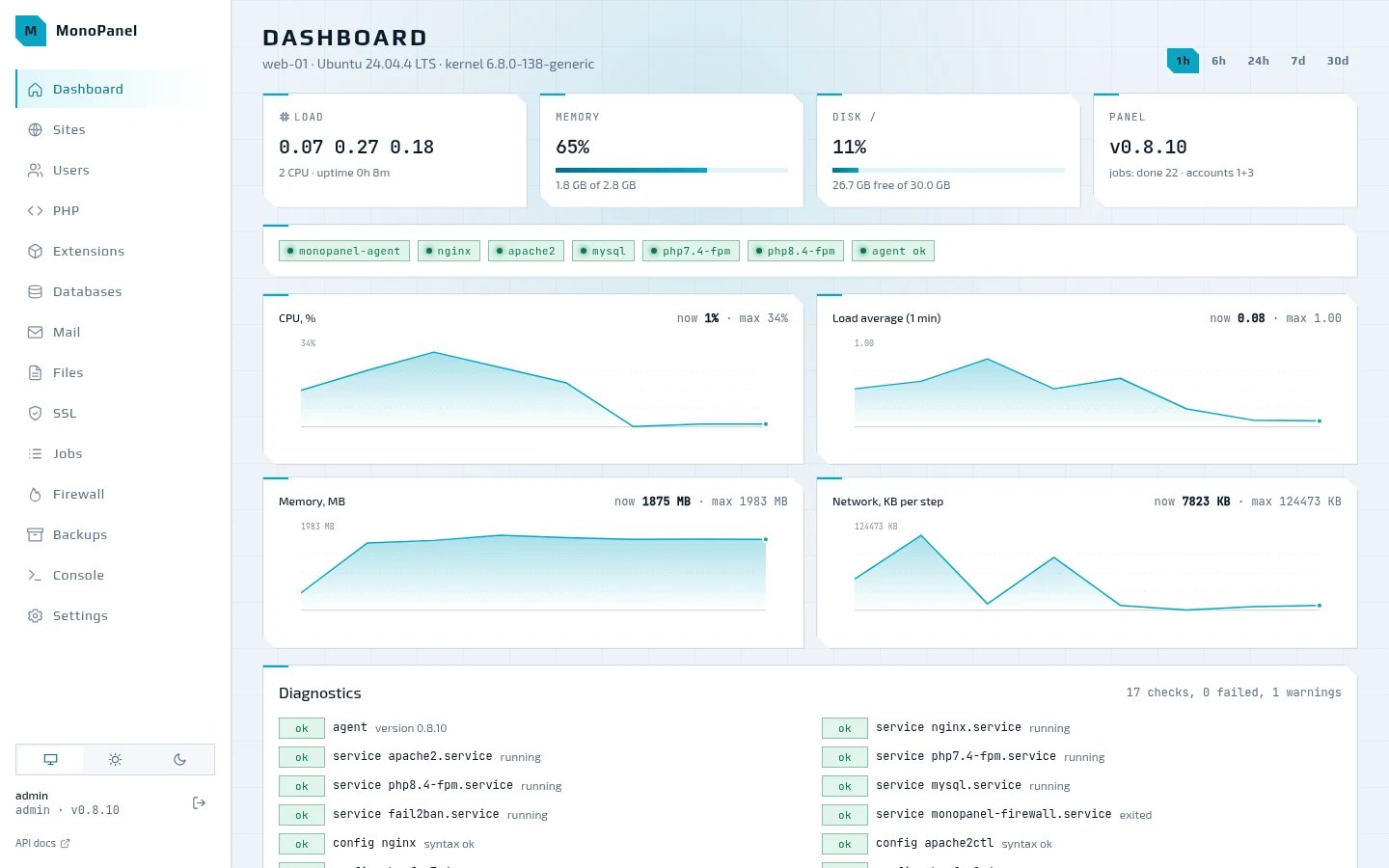
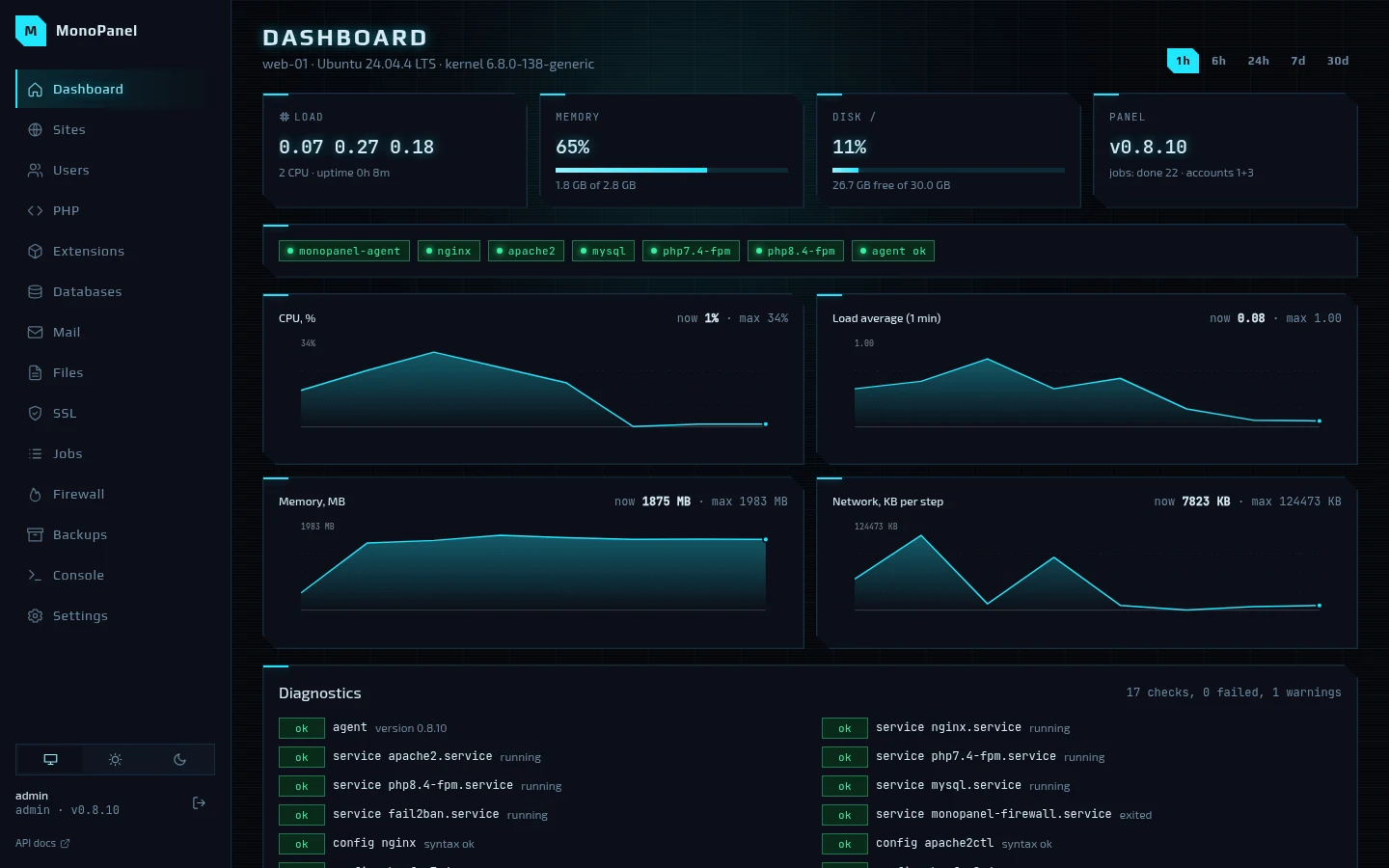
Getting started
Install
Install with one command or from .deb and .rpm packages: what the server needs and where the panel takes updates from.
Quick start
From mp setup to a site with a database, mail, backups and a move from another server — step by step, with mp commands.
Web UI
The MonoPanel web UI page by page with screenshots: dashboard, sites, PHP, databases, mail, files, jobs, firewall, backups, users and settings.
Features
What the panel does, area by area: sites, PHP, databases, TLS, mail, backups, files, firewall, migration, updates — with the mp commands.
Updates
How the panel updates itself: ed25519-signed releases, installation from a separate unit and a rollback to the previous binary if the new one does not answer.
Guides
Web stack
The web stack: nginx + php-fpm and nginx + Apache modes, files and permissions, config templates, a php-fpm pool per site, TLS via lego, logs and CMS installation.
The MonoPanel mail server: postfix, dovecot and opendkim, the path of a message, ports and TLS, the DNS records you need, send-only domains and Roundcube webmail.
Shared folders
How to give a contractor SFTP access to one folder of a site: a shared folder instead of a changed home — step by step, file permissions and what not to do.
Moving in
Moving a whole account in from another MonoPanel, BitrixVM or FASTPANEL: the commands, what arrives and what to do after the move.
CLI, TUI and API
The mp commands, the terminal menu and the REST API with OpenAPI 3.1: how they fit together, which endpoints exist and how to wire up billing.
Platforms
Supported operating systems and package sources: nginx.org, Sury and Remi for PHP 5.6–8.5, MySQL and Percona 8.4, SELinux enforcing, firewall, Valkey per account.
Internals
How it works
How the panel is built: one binary in four roles, state in SQLite and a config pipeline with validation and rollback.
Architecture
How MonoPanel is built: one binary in the api, agent and helper roles, state in SQLite, a config pipeline with validation and rollback, security and updates.
Panel-to-panel migration
Moving an account to MonoPanel: from another MonoPanel by token, from BitrixVM and FASTPANEL over ssh — what moves, how files and passwords travel, the DNS order.
Stack
What the panel is built from: Go, chi and huma, SQLite, Svelte and SvelteKit, Bubble Tea, lego and nfpm.
Roadmap
The MonoPanel development log by stage and date: what is done and verified, what remains, the OS matrix and the risks.
Testbed
The Proxmox testbed: a machine for each of the eleven OSes, install, e2e, CMS and migration runs before a release, and what it found.
Development
Developing the panel: builds, tests with a fake agent, e2e against a live panel, CI and the repository layout.